Learn how to compress images, optimize PDFs and work smarter with your files — all for free.
Performance
Learn the best image compression techniques to speed up your website and improve SEO rankings in 2026.
Read More

Guide
A complete comparison of every image format. Learn when to use JPG, PNG, WebP or GIF for best results.
Read More

Tutorial
Stop getting "file too large" errors. 5 proven methods to shrink images for Gmail, Outlook and more.
Read More

iPhone
Why Apple uses HEIC and how to convert your iPhone photos to JPG instantly — no app needed.
Read More

Social Media
The complete cheat sheet with exact dimensions for every major social media platform.
Read More

Design
Extract dominant colors from any image with hex codes and RGB values. Perfect for branding, mood boards and web design.
Read More

Privacy
Your photos contain hidden GPS, camera info and timestamps. Learn why stripping metadata protects your privacy.
Read MoreEverything about favicon sizes, formats, HTML code and SEO impact. Generate all sizes in seconds.

Read More

Performance
Learn when Base64 encoding makes sense, when it doesn't, and how to convert images the right way.
Read More
Formats
A clear guide to choosing between vector SVG and raster PNG for your projects. Plus how to convert between them.
Read More
Workflow
Generate custom placeholder images with any size, color and text. Speed up development and improve mockups.
Read MoreTwenty new how-to guides covering the questions our visitors ask most.
PDF ToolsCut PDF file size in half without visible quality loss. Three real techniques plus a free browser-based tool.
Read More
PDF ToolsAdobe Acrobat costs $20/month. Here are the free alternatives that actually work.
Read More
PDF ToolsThree ways to split a PDF: extract pages, split by ranges, or break every page into its own file.
Read More
PDF ToolsConvert each PDF page to JPG or PNG — without uploading your file. Browser-based, free, bulk ZIP download.
Read More
PDF ToolsPage numbers in seconds. Pick position, format, starting number. Free, browser-based, no upload.
Read More
Image ToolsAI image upscalers can turn small or blurry photos into sharp high-resolution versions. Here's what actually works.
Read More
Image ToolsFree AI background removal that actually works — clean cutouts in your browser, never uploads your image.
Read More
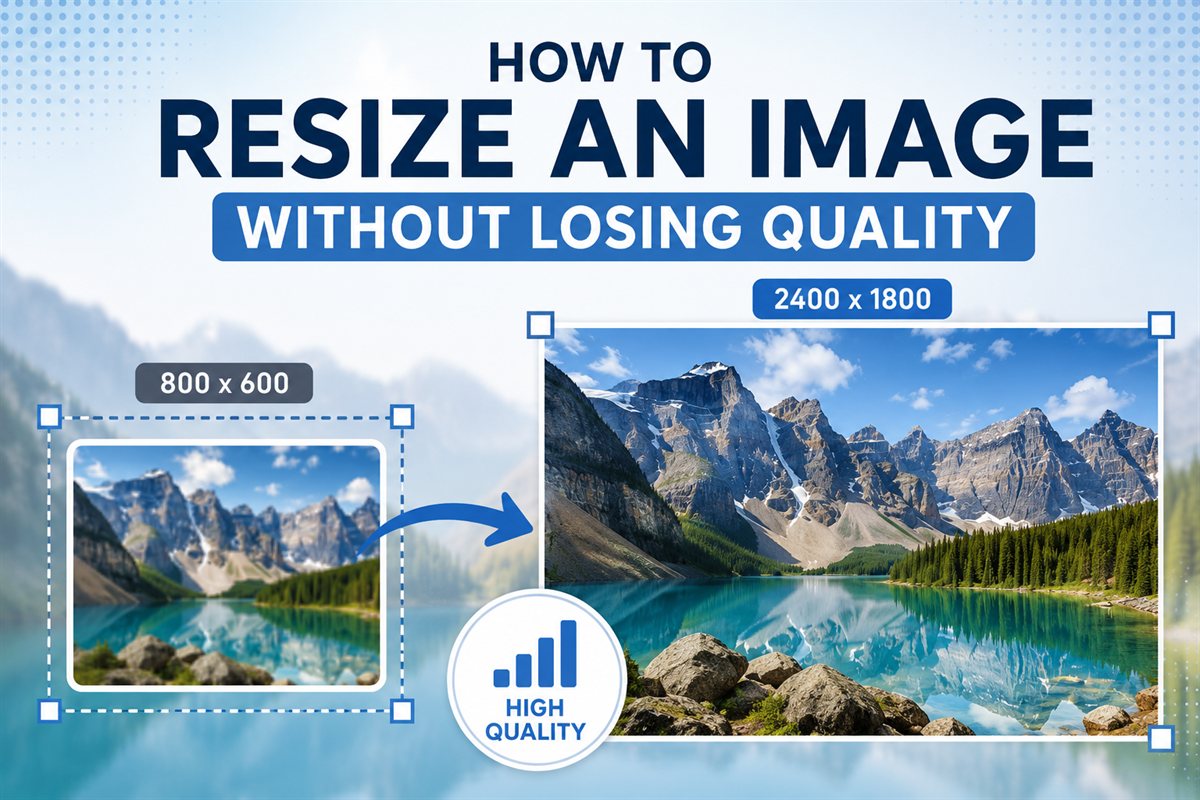
Image ToolsResize images for web, email, or print without visible quality loss. Practical settings and recommendations.
Read More
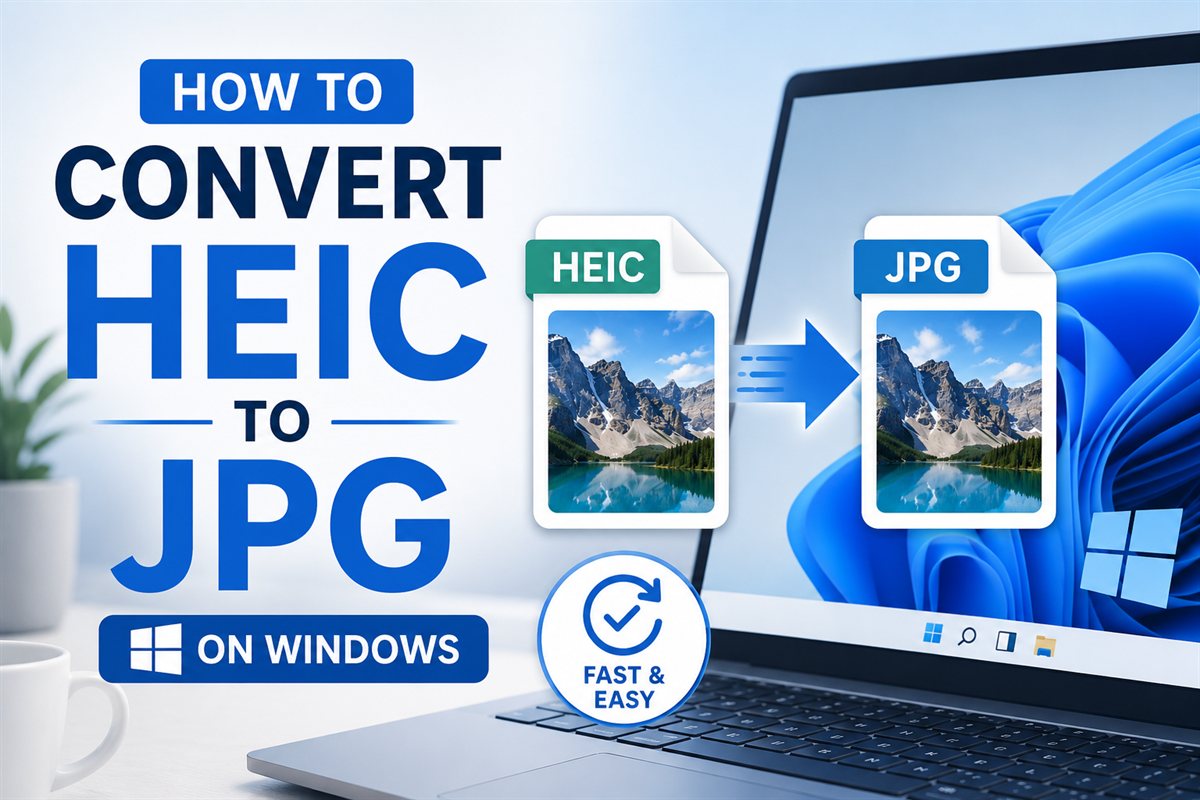
Image ToolsThree ways to open and convert HEIC files on Windows 10 and 11 — including one that needs nothing installed.
Read MoreTurn your logo into a complete favicon set — every size, every format browsers and devices need.
Read More
PDF ToolsReal ways to share PDFs without exposing sensitive content — password protection, expiring links, what to avoid.
Read More
Image ToolsReal attachment limits of major email providers — plus the right way to compress photos so they actually deliver.
Read More
PDF ToolsThe realistic landscape of free PDF editors — what each does well, what they don't, and which fits your use case.
Read More
Image ToolsModern browser-based image tools rival paid desktop software. Here's what works well, what doesn't.
Read More
PDF ToolsReal free alternatives — without daily limits, watermarks, or upload requirements.
Read More
PDF ToolsCrop wasted margins off PDF pages so they fill the screen on tablets and phones. Free browser tool.
Read More
PDF ToolsCombine multiple PDFs into one — drag to reorder, preview thumbnails, download instantly. Browser-based, no upload.
Read More
Other ToolsGenerate a WiFi QR code that guests can scan to connect — no password typing. Free, browser-based.
Read More
TutorialsImage SEO that actually moves rankings — file naming, alt text, format choice, lazy loading, structured data.
Read More
Image ToolsAdd tasteful watermarks to deter theft and credit your work. Free browser-based tool, text or logo.
Read More
PDF ToolsTurn any PDF table — text or scanned — into editable Excel (XLSX). Browser-based, no upload, free.
Read More
Image ToolsTurn photos, screenshots and scans of tables into clean Excel spreadsheets — browser OCR included.
Read More